OPEN COMMUNITY ARCHIVE

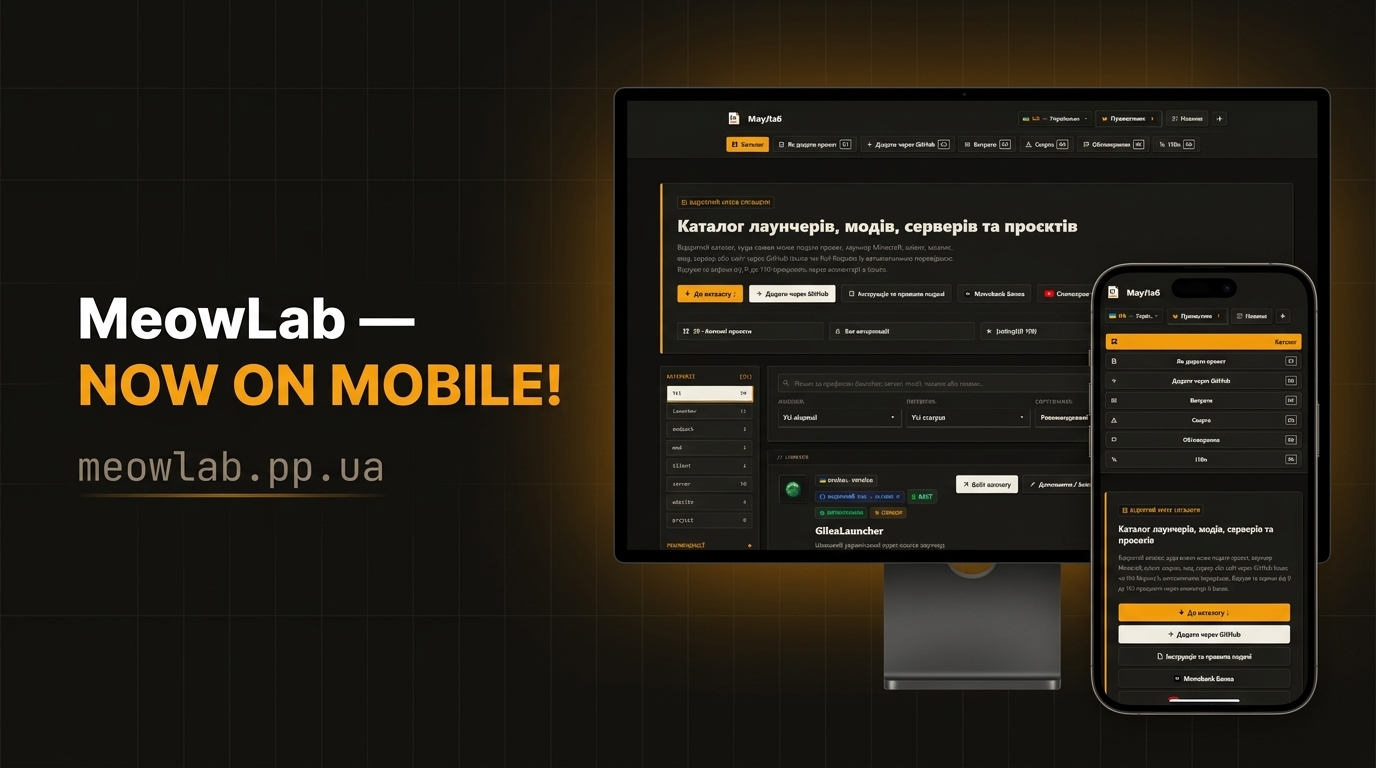
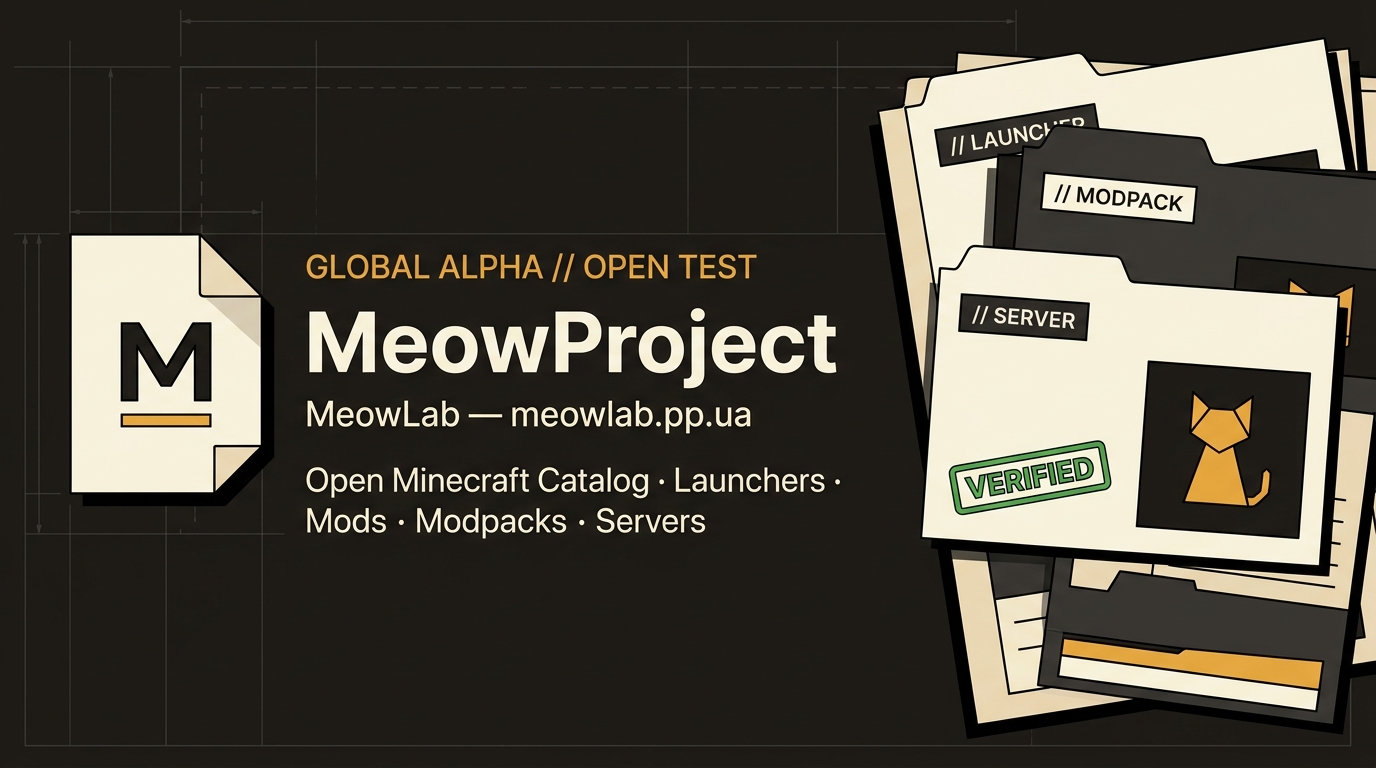
Directory of Launchers, Mods, Servers & Projects

An open catalog where anyone can submit a project, Minecraft launcher, client, modpack, mod, server, or website via GitHub Issues or Pull Requests with automated validation. Community reviews and 0–100 ratings are powered by GitHub Issue comments.

Monobank Jar YouTube Membership
70 Active Projects
13 13 UI Languages
0–100 Rating
0 Zero Authentication
// MOD
Sodium (Modrinth) logo
Country: Global (international team) Open Source · GitHub

Sodium (Modrinth)

The flagship Modrinth optimization mod that modernizes Minecraft’s rendering engine for massive FPS gains

Platforms Modrinth / Fabric / NeoForge / Quilt
Project Description
Sodium is a powerful rendering optimization mod for Minecraft (supporting Fabric, NeoForge, and Quilt) developed by CaffeineMC and hosted as the #1 most downloaded mod on Modrinth. By completely replacing Minecraft’s legacy chunk rendering pipeline with modern multi-threaded OpenGL techniques, Sodium delivers 2x–4x higher frame rates while eliminating frame spikes and lag stutters. Sodium maintains complete visual parity with vanilla Minecraft, introduces a clean redesigned Video Settings screen, and works seamlessly alongside the wider ecosystem including Iris Shaders and Lithium.
200%–400% FPS boost powered by a modern chunk rendering pipeline
Drastic reduction in frame-time spikes and chunk loading stutters
Redesigned Video Settings UI with faithful vanilla visual quality
Available on Modrinth for Fabric, NeoForge, and Quilt with source on GitHub
Interface Screenshots [3]
Loading real comments and ratings from GitHub Issues...

// MOD
Cloth Config API logo
Country: Global (international team) Open Source · GitHub

Cloth Config API

Configuration screen library used by hundreds of Minecraft mods

Platforms Fabric / Forge / NeoForge
Project Description
Cloth Config API is a widely used client configuration library for Minecraft mods on Fabric, Forge, and NeoForge, providing clean in-game settings screens.
Clean in-game config UI for hundreds of mods
Supports Fabric, Forge, and NeoForge
Open-source under LGPL-3.0
Interface Screenshots [0]
No screenshots available

No interface screenshots were provided for this project.

Loading real comments and ratings from GitHub Issues...

// MOD
Entity Culling logo
Country: Germany Open Source · GitHub

Entity Culling

Async path-tracing to skip rendering hidden block/entities for higher FPS

Platforms Fabric / Forge / NeoForge / Quilt
Project Description
Entity Culling uses asynchronous path-tracing on a separate CPU thread to skip rendering block entities and mobs that are hidden behind walls out of the player view.
Async visibility checks off the main render thread
Significant FPS boost near dense bases and farms
Available for Fabric, Forge, NeoForge, and Quilt
Interface Screenshots [0]
No screenshots available

No interface screenshots were provided for this project.

Loading real comments and ratings from GitHub Issues...
// MOD
FerriteCore logo
Country: Germany Open Source · GitHub

FerriteCore

Memory (RAM) usage optimizations for Minecraft clients and servers

Platforms Fabric / Forge / NeoForge / Quilt
Project Description
FerriteCore significantly reduces memory usage in Minecraft clients and servers by optimizing blockstate storage, model caches, and internal data structures.
Reduces RAM usage in large modpacks
Works on both client and server
Open-source under MIT license
Interface Screenshots [0]
No screenshots available

No interface screenshots were provided for this project.

Loading real comments and ratings from GitHub Issues...

// MOD
Iris Shaders logo
Country: United States Open Source · GitHub

Iris Shaders

Modern shader pack loader for Minecraft compatible with Sodium and OptiFine packs

Platforms Fabric / NeoForge / Quilt
Project Website irisshaders.dev
Project Description
Iris Shaders is an open-source shader pack loader for Minecraft: Java Edition designed for high performance and compatibility with existing OptiFine shader packs alongside Sodium.
High performance and Sodium compatibility
Supports existing OptiFine shader packs
Open-source under LGPL-3.0
Interface Screenshots [0]
No screenshots available

No interface screenshots were provided for this project.

Loading real comments and ratings from GitHub Issues...

// MOD
Mod Menu logo
Country: Global (international team) Open Source · GitHub

Mod Menu

Adds a clean mod list and config access screen for Fabric and Quilt

Platforms Fabric / Quilt
Project Description
Mod Menu adds a dedicated Mods screen to Minecraft on Fabric and Quilt, letting you browse installed mods, search by name, and open each mod config screen.
Searchable list of all installed Fabric/Quilt mods
Direct access to mod configuration screens
Open-source under MIT license
Interface Screenshots [0]
No screenshots available

No interface screenshots were provided for this project.

Loading real comments and ratings from GitHub Issues...
TAB 01 // FULL SUBMISSION GUIDE & STANDARDS

How to Submit a Project & Rate Entries

All submissions undergo automated validation. Below are the required title prefixes, [rating](0-100) scoring rules, and link standards.

Required GitHub Submission Title Format (Prefix + Name)

When creating an Issue or Pull Request, the submission title must start with the lowercase project type followed by a colon:

launcher: X Minecraft Launcher
modpack: All The Mods 9
mod: Sodium
client: Custom Client
service: SkinSystem
project: Назва Проєкту
Validation & Rating Rules
RULE 01

1. Icon (.svg, .png, .jpg) & Screenshots (.png, .jpg)

Icons must be .svg, .png, or .jpg URLs. Screenshots must be direct .png or .jpg URLs (or left empty if none).

RULE 02

2. Validated Country (or Europa, USA, Asia, Africa) & Source Host

Enter a valid country or choose Europa, USA, Asia, or Africa. Open source links are verified against the selected platform (GitHub, GitLab, Gitea, SourceForge, Gitee, CNB), or marked Proprietary.

RULE 03

3. Website Link or Project Fallback URL

Every project links to its official website, or automatically falls back to its repository or related project page.

RULE 04

4. Multi-Language Descriptions (up to 2,000 chars) & [rating](0-100)

You can provide descriptions in multiple languages. Users rate projects from 0 to 100 by ending their Issue comment with [rating](0-100).

RULE 05

How to specify platforms, feature highlights, and screenshot captions

List platforms separated by commas (Windows, macOS, Linux, etc.). Enter feature highlights and screenshot captions one per line.

TAB 02 // STEP-BY-STEP GUIDE & SUBMISSION VALIDATOR

How to Submit a Project: Step-by-Step Guide & Validator

Follow the 4 simple steps below: fill in the form fields, pass the instant validator, and submit in one click.

Step-by-Step Guide: From Submission to Live Publication

STEP 01 Step 01. Form Filling

Choose project category (launcher, mod, server etc.), specify name, website, and description in Ukrainian or other languages.

STEP 02 Step 02. Automatic Validation

The system validates URLs, logo formats, and descriptions before submission.

STEP 03 Step 03. Create GitHub Issue

Click the submit button to open a pre-filled GitHub Issue with all data ready.

STEP 04 Step 04. Bot Publication

GitHub Bot checks the data, creates a Pull Request, and upon approval the project goes live in the catalog!

Validate & Prepare Project Before Proceeding to GitHub

Complete the fields below — the validator checks every rule and generates your direct GitHub submission link.

Select Project Type Prefix *
Launcher: specify supported OS (Windows / macOS / Linux), whether it is a fork, and links to website/repository.
Category-specific fields
Quick region select (if no single country):
Country not found. Pick a country from the list or a region: Europa, USA, Asia, Africa, Global.
Enter a valid link starting with https://
The link does not match the selected platform (expected domain: {host}).
Icon: only a direct https:// link to .svg, .png or .jpg.
Project Description in Multiple Languages (20 to 2,000 chars) * 0 / 2000
Select languages you want to write a description in (at least 1 language):
Languages filled: —
Generated GitHub Submission Title:
launcher: [Назва]
Automated Validation Checklist:
  • [ ] Prefix selected & project name specified (type: name)
  • [ ] Valid world country or Europa / USA / Asia / Africa specified
  • [ ] Icon (.svg, .png, .jpg) & screenshots (.png, .jpg only or empty) valid
  • [ ] Description filled (20–2,000 chars in at least 1 language) without scripts
FINANCIAL TRANSPARENCY // ROADMAP

Financial Transparency & Project Expenses

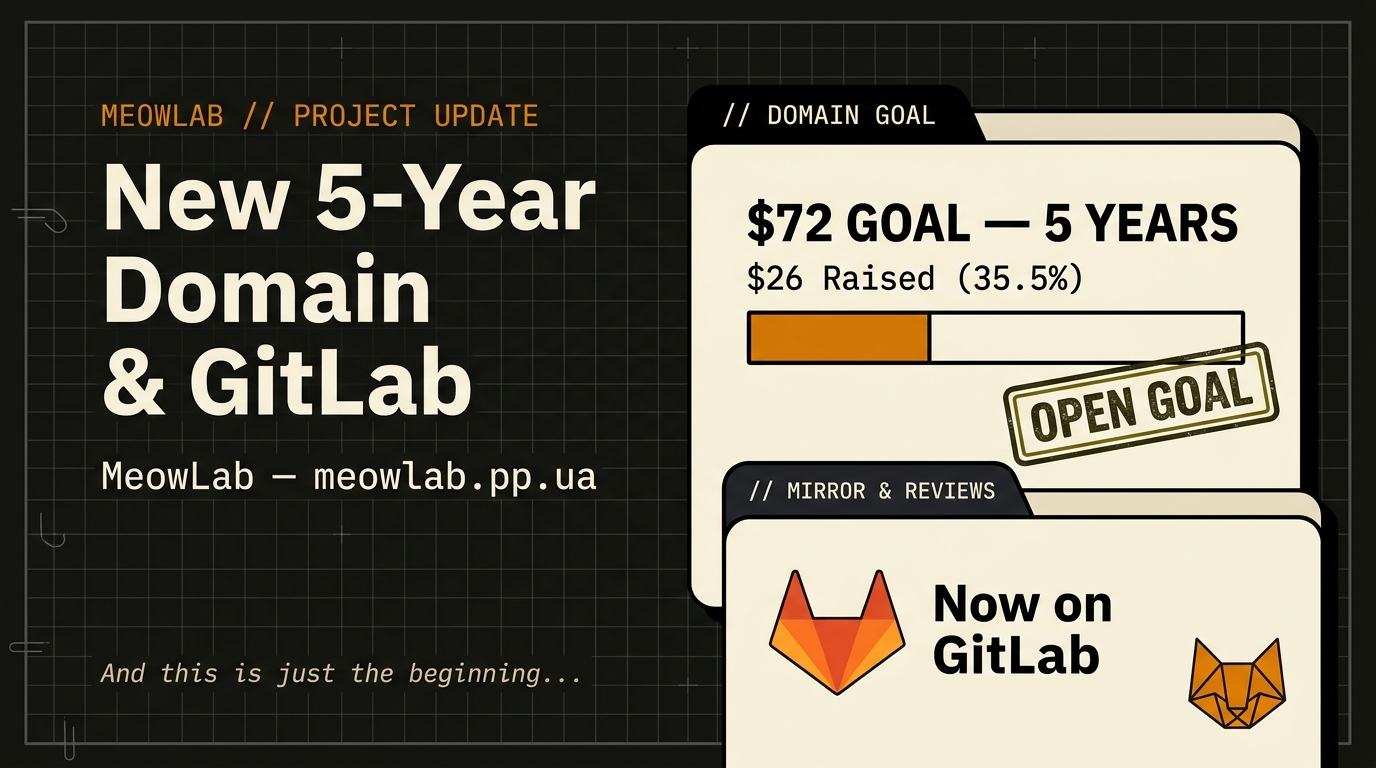
MeowLab is an open non-commercial community project. We transparently publish all expenditures and funding goals.

01 // COVERED ~$10

Already Spent

Website creation, initial catalog compilation, and hosting / CDN infrastructure.

Source: Funded by people (community) Completed
02 // FUNDRAISING OPEN ~$72

Next Goal (Fundraiser Open)

New domain registration for 5 years to keep the project online, fast, and accessible.

Raised: ~$26 (35.5%) Goal: ~$72
Combined: Monobank Jar + YouTube Membership
Goal: Domain for 1 year Support needed
03 // DEVELOPMENT UPCOMING

Dedicated Translation Platform for Ukrainian Localization

Launching a dedicated web service with tools for creators and community members to translate Minecraft launchers, mods, and documentation into Ukrainian.

Goal: Fast Minecraft Ukrainian translation service Planned
SECURITY // THREAT REGISTRY

Report a Dangerous Project

Discovered malware, token stealers, fraud, or severe reputation issues? Submit a detailed report with evidence (up to 20,000 characters in Markdown) in any language via GitHub Issues.

How the Verification & «DANGEROUS» Labeling System Works

STEP 01 Threat Description (Markdown)

Describe the issue in any language (up to 20,000 characters in Markdown): malware, token stealers, scams, reputation issues.

STEP 02 Adding Evidence

Attach links to VirusTotal reports, decompilations, archives, screenshots, or video proof.

STEP 03 Issue & Auto-PR

The report is submitted as a GitHub Issue. A bot automatically creates a Pull Request for admin review.

STEP 04 Public Badge

Once confirmed by an admin, a DANGEROUS badge with your explanation appears next to the project.

Nothing found
0 / 20 000
COMMUNITY // GITHUB DISCUSSIONS

Discussions, Ideas & Bugs

All ideas for improving the site, bug reports, and community questions take place in open GitHub Discussions and Issues.

Where should you post?

Ideas & Features

New sections, site features, support methods, or design improvements.

Suggest an Idea ↗
Site Bugs & Errors

Something fails to load, layout broke, or a filter does not work.

Report a Bug ↗
Questions & Help (Q&A)

How to submit a project, how the bot works, localization, or verification.

Ask a Question ↗
General Discussions

Open chat with the community and the author of MeowLab.

Start a Thread ↗

Current GitHub Discussions

All Discussions on GitHub ↗
Ideas #24 @BANSAFAn 2026-11-12 0 comments
Зробити ще одну можливість збирати кошти через 24pay

--

LOCALIZATION // IN DEVELOPMENT

The i10n tab is currently in development

This will be a unified hub for translating launchers, mods, modpacks, and docs. The project is funded by people, and financial support is needed to speed up development of this tab.

IN DEVELOPMENT // FUNDING NEEDED i10n Studio ↗

Support & speed up the i10n launch

This will be a unified hub for translating launchers, mods, modpacks, and docs. The project is funded by people, and financial support is needed to speed up development of this tab.